Structally Help Center
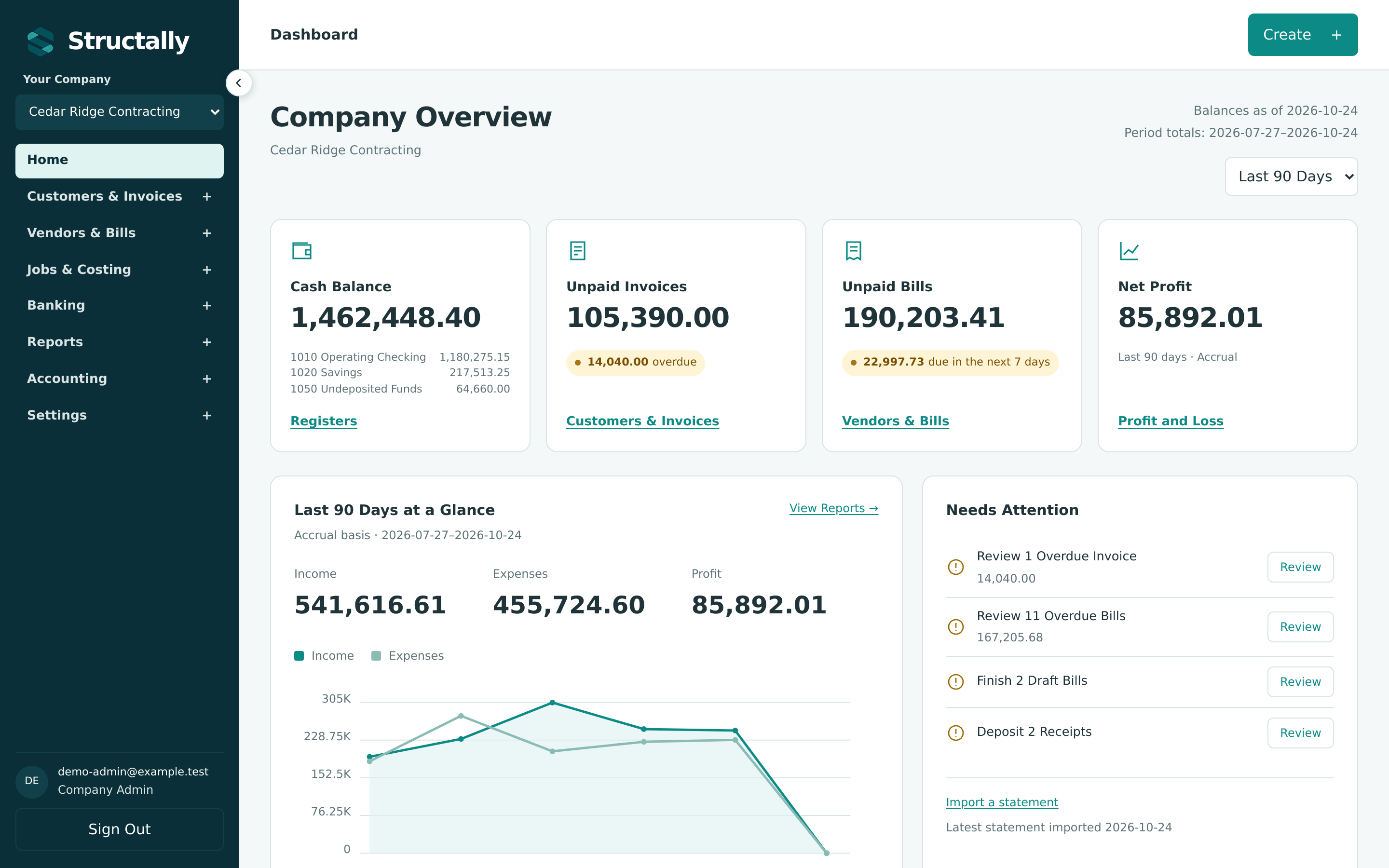
Structally is double-entry accounting built for contractors: invoices and bills, banking and reconciliation, and financial statements, joined to construction job costing (jobs, budgets, commitments, change orders, progress billing, retainage, forecasts and work in progress). This Help Center shows you how to do each of those tasks, step by step, with real screens from the product.
Where to Start
-
New to Structally?
Learn the layout, sign in, choose your company and set it up.
-
Learn by Doing
Follow one contractor from an empty company to a finished project.
-
Something Not Working?
What the messages mean, access problems and unexpected balances.
-
Looking Something Up?
Roles, every setting, the glossary and the keyword index.
Guides by Area
-
Customers, items, invoices, sending, receiving payments and credit memos.
-
Vendors, bills, expenses, paying bills and vendor credits.
-
Jobs, cost codes, budgets, commitments, change orders, progress billing, retainage, forecasts and WIP.
-
Deposits, transfers, refunds, bank statement import, the bank feed and reconciliation.
-
Balance Sheet, Profit and Loss, Cash Flow, Trial Balance, General Ledger, aging and statements.
-
The chart of accounts, journal entries, corrections, payment terms and the audit log.
-
Company details, document design, email, books closed, opening balances, classes and locations, users and imports.
About This Guide
Every instruction was checked against Structally 0.1.0 (build 1c874cce) on 2026-10-24, and every screenshot is a real screen of that build. The examples use Cedar Ridge Contracting, a fictional general contractor with three years of sample history; names, amounts and email addresses are invented.