Closing and Reopening Jobs
A job's status controls what can still happen on it: whether costs and revenue can be coded to it, whether its budget and commitments can change, and whether it shows in everyday lists. Change the status as the work moves along: activate the job when work starts, put it on hold when work pauses, close it when the work is done and the last costs are in, and archive it when you no longer want to see it.
Before You Begin
- You need Edit access to Jobs & Costing. Company Admins, Accountants and Project Managers have it. See Roles and Permissions.
- To activate a job, it needs at least one active cost code assigned and the company needs at least one active cost type.
Navigation
Jobs & Costing → Jobs → open the job → Status list at the top right of the job page.
The Five Statuses
| Status | Meaning |
|---|---|
| Draft | Set up but not started. You can still change the job number and original amounts. Nothing can be posted to it. |
| Active | Work in progress. Costs and revenue can be coded to it. |
| On Hold | Work paused. Costs can still be coded to it, but each line needs an adjustment reason. |
| Closed | Work finished. Late costs still need an adjustment reason; the budget and commitments can no longer change. The closing date is recorded as Closed On. |
| Archived | Retired. The job leaves the everyday lists and accepts nothing more. This cannot be undone. |
Allowed Changes
You can move a job only along these paths. The Status list on the job page offers only the statuses you can move to next, and the confirmation window is named after the action.
| From | To | Action | Reason Required |
|---|---|---|---|
| Draft | Active | Activate | No |
| Draft | Archived | Archive | Yes |
| Active | On Hold | Put On Hold | No |
| Active | Closed | Close | No |
| On Hold | Active | Resume | No |
| On Hold | Closed | Close | No |
| Closed | Active | Reopen | Yes |
| Closed | Archived | Archive | Yes |
| Archived | — | None | — |
Step by Step: Changing a Job's Status
- Open the job.
-
In the Status list at the top right, choose the new status. A confirmation window opens that explains the change.
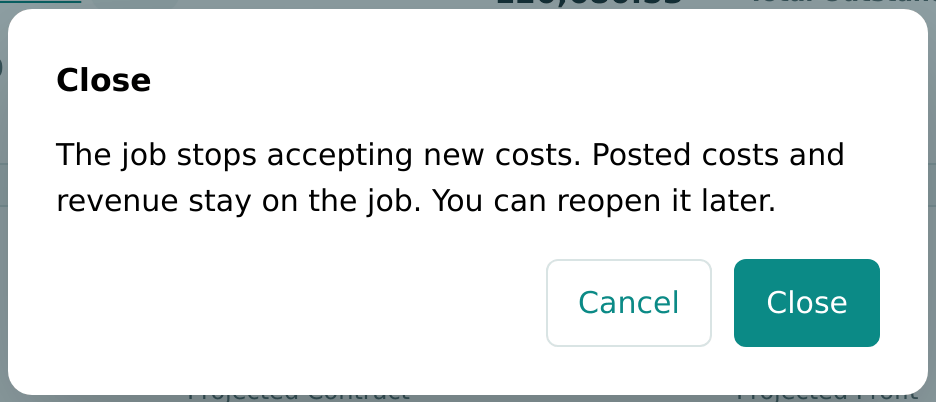
Figure 7-32 Closing J-2004 asks for confirmation first. -
If the window shows a Reason box (for Reopen and Archive), type why you are making the change. The reason is kept in the job's History.
- Click the action button (Close in the figure above), or Cancel to keep the current status.
Structally reloads the job page with the new status.
The confirmation windows say:
| Action | Text in the Window |
|---|---|
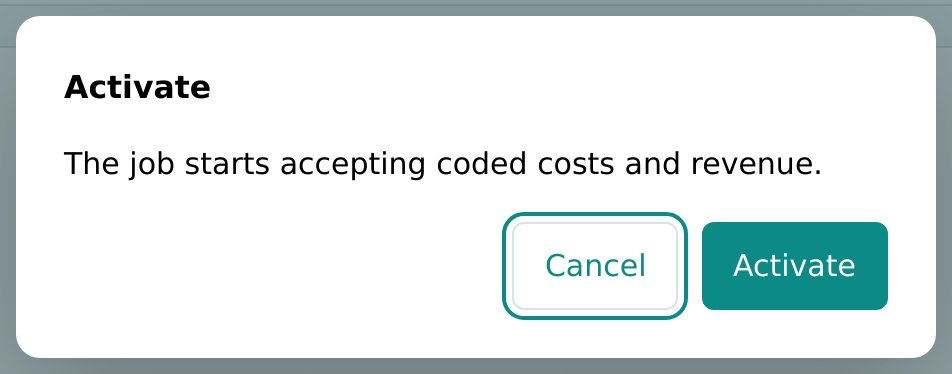
| Activate | The job starts accepting coded costs and revenue. |
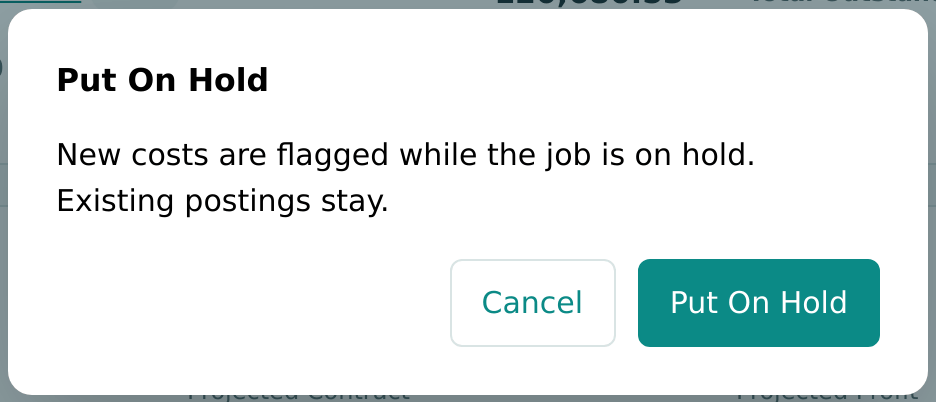
| Put On Hold | New costs are flagged while the job is on hold. Existing postings stay. |
| Close | The job stops accepting new costs. Posted costs and revenue stay on the job. You can reopen it later. |
| Resume | The job accepts costs again without flags. |
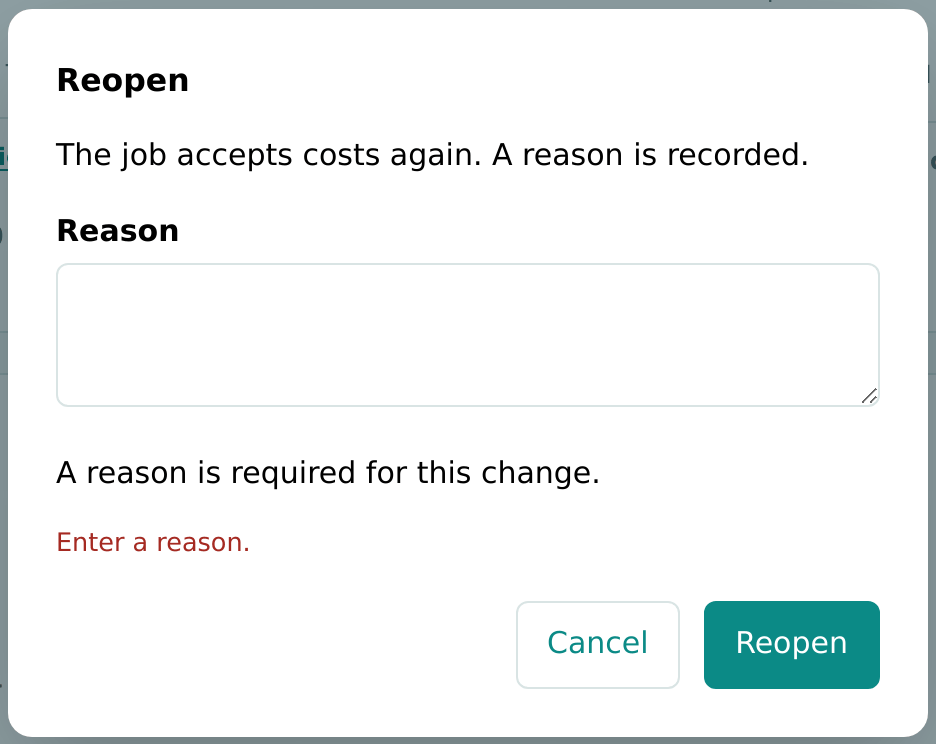
| Reopen | The job accepts costs again. A reason is recorded. |
| Archive | The job leaves every list and its cost code stops accepting postings. A reason is recorded. |
Every job in Cedar Ridge Contracting has already been activated, so the Activate window comes from the training company:
Closing a Job
Close a job when the work is complete and you expect no more costs. When you click Close:
- the status becomes Closed, and Closed On on the Details card shows today's date (you cannot choose another closing date). In the training company, Cedar Ridge Training, job J-101 closed on October 24, 2026 shows Closed On 2026-10-24;
- posted costs and revenue stay on the job and in every report;
- a cost posted to the job later needs an Adjustment Reason on its line;
- the job's budget and commitments can no longer be created, edited or approved.
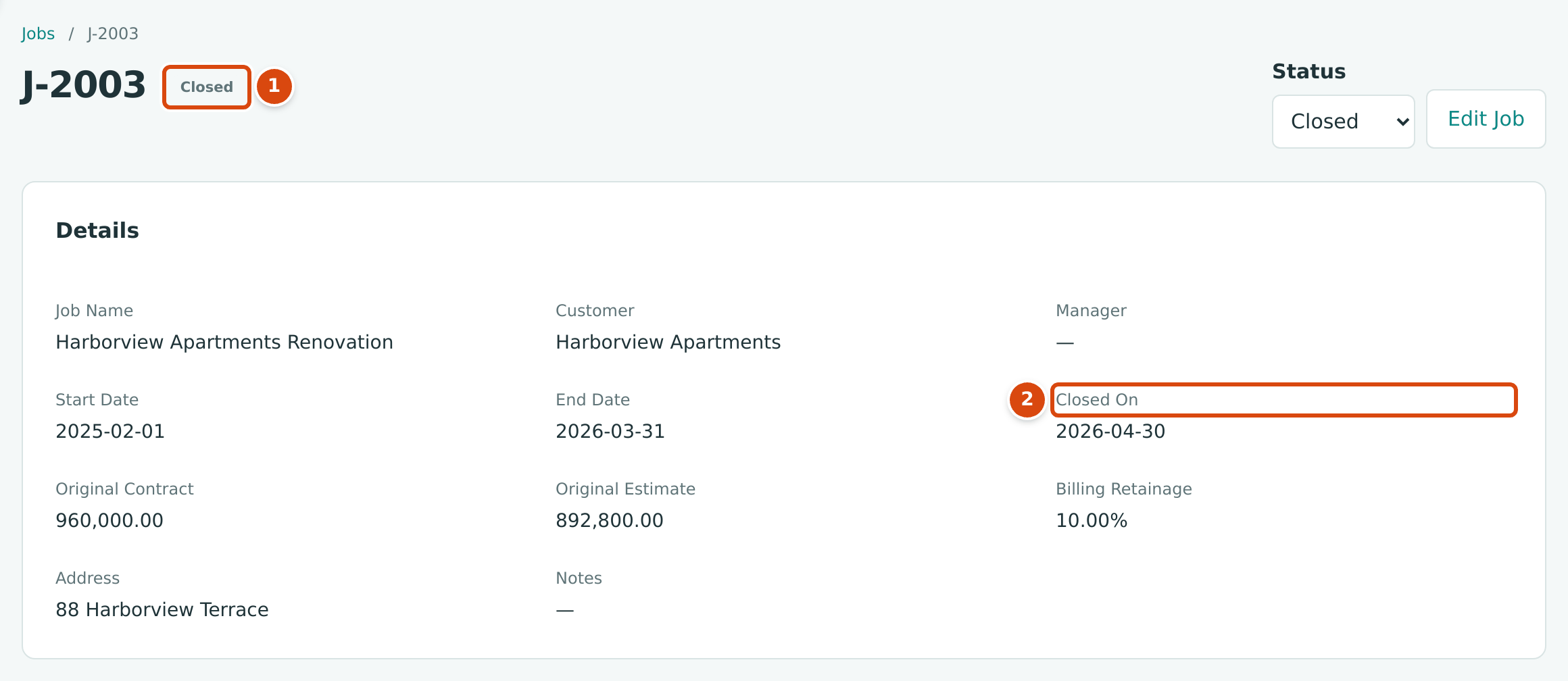
- The Closed status.
- Closed On: the day the job was closed.
Reopening a Job
Reopen a closed job when more work or billing is needed. Choose Active in the Status list, type a Reason and click Reopen. Closed On is cleared. If you click Reopen without a reason, the window says Enter a reason.:
Archiving a Job
Archive a draft job you will never start, or a closed job you no longer want to see. Type a Reason and click Archive.
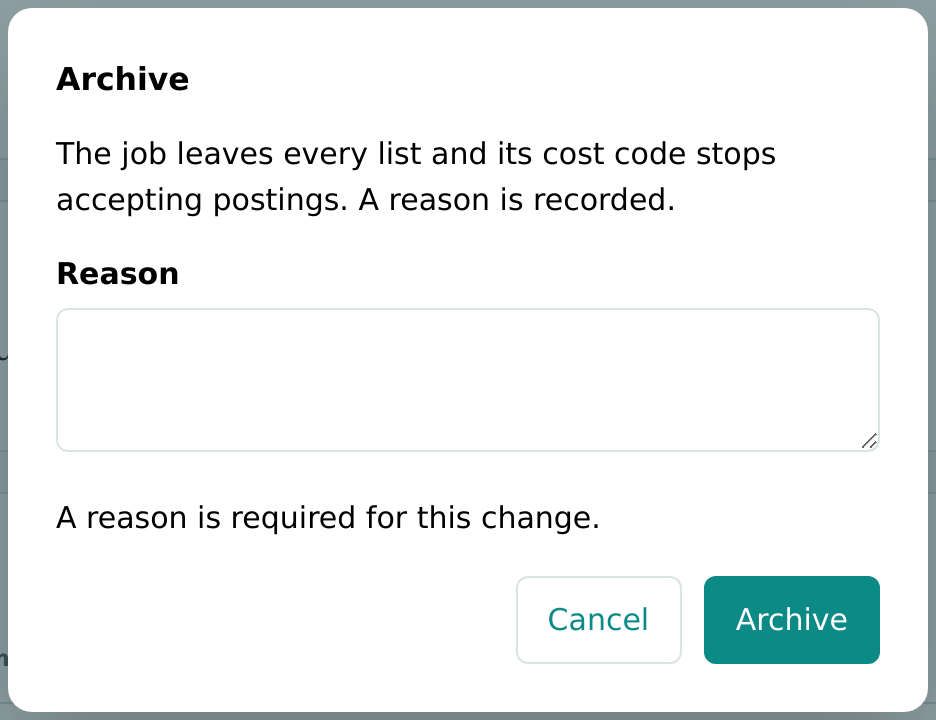
Archiving cannot be undone
An archived job cannot be reopened or edited, and nothing can be coded to it. Its page stays available from the Jobs list (choose Archived or All in Status), with its history, but without the Status list or Edit Job.
What Each Status Allows
| Draft | Active | On Hold | Closed | Archived | |
|---|---|---|---|---|---|
| Listed in the Job column of bills, expenses, vendor credits and journal entries | No | Yes | Yes, as (On Hold) | Yes, as (Closed) | No |
| Post costs to the job | No | Yes | Yes, with an Adjustment Reason | Yes, with an Adjustment Reason | No |
| Listed on invoice and credit memo lines (revenue) | No | Yes | No | No | No |
| Create, edit or approve a budget | Yes | Yes | Yes | No | No |
| Create, edit or approve a commitment | Yes | Yes | Yes | No | No |
| New change orders | Yes | Yes | Yes | No | No |
| Edit the job | Yes | Yes, except number and original amounts | Same as Active | Same as Active | No |
| Assign or unassign cost codes | Yes | Yes | Yes | Yes | No |
| Shown in the Jobs list's default view (Active and On Hold) | No | Yes | Yes | No | No |
| Shown in the Budgets list | Yes | Yes | Yes | Yes | No |
Costs on On-Hold and Closed Jobs
When a bill, expense, vendor credit or journal entry line names a job that is on hold or closed, an Adjustment Reason box appears on the line. A line without a reason is refused with Job J-2003 is closed; give an adjustment reason. (or … is on hold; …).

- The job, shown with (Closed) in the list.
- Adjustment Reason: required for on-hold and closed jobs.
These lines post normally, and they are listed for review: as On-Hold or Closed Job in Job Costs and, for the current month, under Needs Attention on the Overview.
Worked Example: Closing J-2003
J-2003 Harborview Apartments Renovation was planned to end on March 31, 2026. The owner paid every certified billing in full, and the job was closed with Closed On 2026-04-30. Its page now shows Job to Date Cost 991,766.00 against Job to Date Revenue 960,000.00: a loss of 31,766.00, the same as its last approved forecast.
In October, a hauling company sends a late invoice of 640.00 for final haul-off. Instead of reopening the job, the bookkeeper enters the bill on account 5050 Equipment Rental, codes it to J-2003 · 31-100 · EQP, and types the adjustment reason Late vendor invoice after closeout, as in the figure above. Once posted, the job's cost to date becomes 991,766.00 + 640.00 = 992,406.00, and the line is listed for review in Job Costs. (The bill is illustrative; it is not in the sample company.)
Common Mistakes and Troubleshooting
| Message or Symptom | Why It Happens | What to Do |
|---|---|---|
| A job needs at least one active cost code and one cost type before activation. | The job has no active cost code assigned, or the company has no active cost type. | Assign a cost code on the job page, or activate a cost type. |
| Enter a reason. | Reopen or Archive was clicked with an empty Reason. | Type a reason. |
| A reason is required to reopen a closed job. / A reason is required to archive a job. | The reason was blank when the change reached Structally. | Try again with a reason. |
| Job J-1008 is not active yet. (on a bill or expense) | The job is still a draft. | Activate the job. |
| Job J-2003 is closed; give an adjustment reason. | The line names an on-hold or closed job. | Type an Adjustment Reason on the line. |
| Job J-1001 is archived. (with your job's number) | The line names an archived job. | Choose another job. |
| Budgets cannot change on a closed or archived job. | You tried to add or approve a budget on a closed job. | Reopen the job first, if the change is justified. |
| Commitments cannot change on a closed or archived job. | You tried to approve a commitment on a closed job. | Reopen the job first. |
| Archived jobs cannot be changed. | The job is archived. | No action; archived jobs are final. |
| The job is missing from the Jobs list | The list shows active and on-hold jobs by default. | Choose Closed, Archived or All in Status. |
| This job was changed by someone else. Reload the page and try again. | Someone changed the job after you opened it. | Reload the page and try again. |