Accounting
The Accounting area holds the foundations the rest of Structally builds on: the chart of accounts every transaction posts to, the journal of every posted entry (including the manual entries you post yourself), the audit log of every change, and the payment terms that set due dates on bills and invoices.
Most of your day-to-day work happens elsewhere. Bills, invoices, expenses, payments, deposits and transfers each write their own journal entry when you post them. You come to Accounting to set up or tidy the chart, to post an adjustment that no other screen records (depreciation, accruals, loan payments, owner draws), to look up any posted entry, and to see who changed what.
How the Pieces Fit Together
- Set up the chart of accounts. Each account has a code, a name and a role that tells Structally what kind of account it is (cash, accounts payable, materials, rent and so on). Sub-accounts roll up into a parent. See The Chart of Accounts and Creating and Editing Accounts.
- Set up payment terms such as Net 30, and pick one as the company default. Bills and invoices use terms to work out their due dates. See Payment Terms.
- Record your work in the other areas. Every posted bill, invoice, expense, payment, receipt, deposit, transfer, refund and WIP schedule writes a balanced, locked journal entry.
- Post journal entries for the adjustments no document covers. See Journal Entries.
- Correct by reversing. A posted entry is never edited or deleted. You void or reverse the record instead, and Structally writes a mirror-image entry. See Reversing and Correcting Transactions.
- Review the trail. The Audit Log lists every change made in the company, and each record's History shows the changes made to it.
Navigation
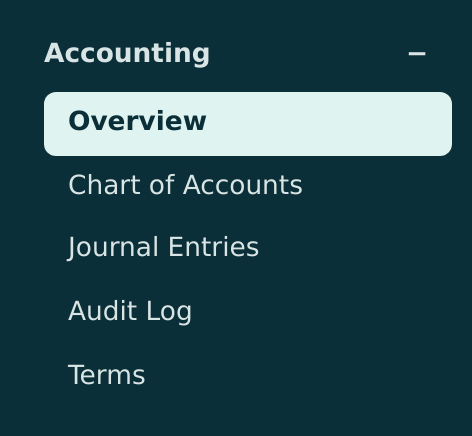
Accounting in the navigation opens the Accounting page. The group also lists Overview, Chart of Accounts, Journal Entries, Audit Log and Terms.
The Accounting Page
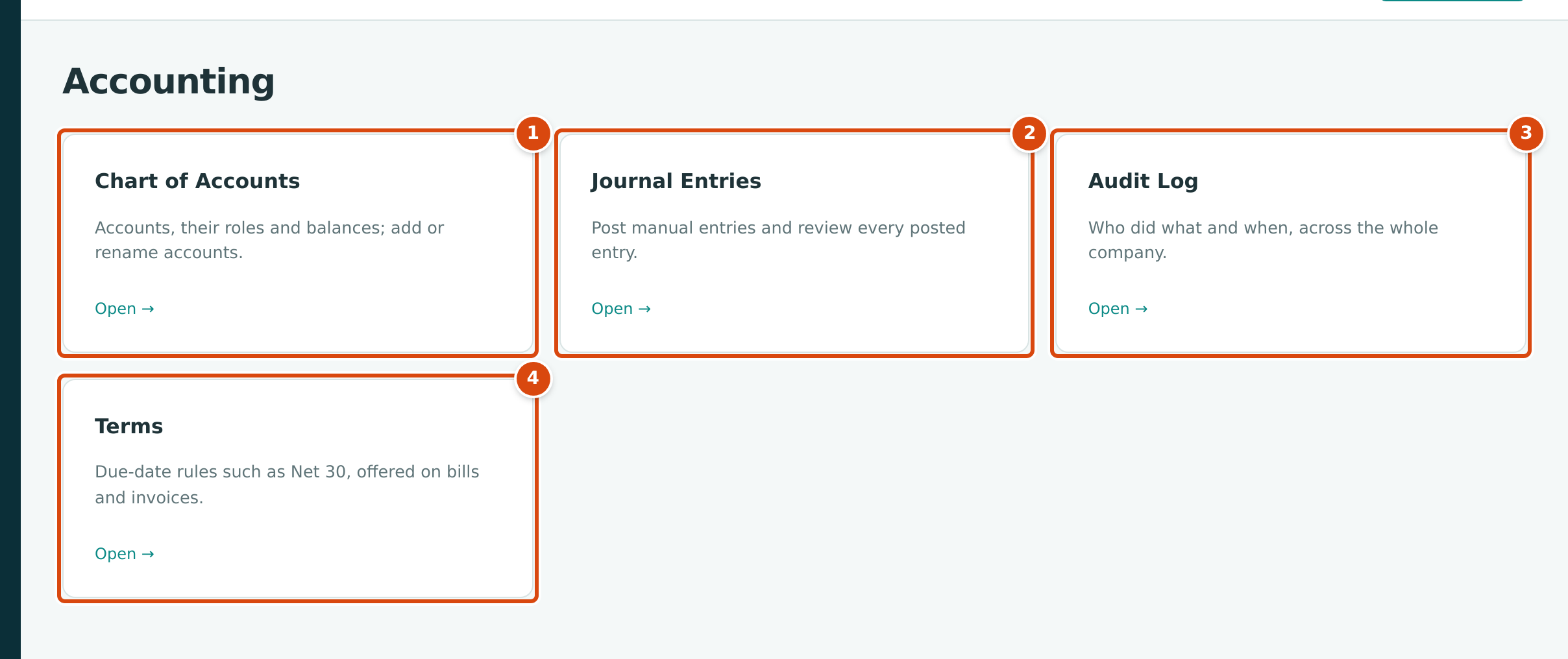
- Chart of Accounts: "Accounts, their roles and balances; add or rename accounts."
- Journal Entries: "Post manual entries and review every posted entry."
- Audit Log: "Who did what and when, across the whole company."
- Terms: "Due-date rules such as Net 30, offered on bills and invoices."
Click a card (or Open → on it) to go to that page.
Who Can Use Accounting
Access to this area follows the Accounting access level of your role (see Roles and Permissions):
| Role | Accounting Access | What It Allows |
|---|---|---|
| Company Admin | Edit | Everything on these pages: add, rename, move, deactivate and reactivate accounts; post and reverse journal entries; add and change terms. |
| Accountant | Edit | The same as a Company Admin. |
| Viewer | View | Open every page and record. The buttons that add or change accounts, journal entries and terms are not shown. |
| Project Manager | No Access | The Accounting group is not shown. |
| Custom | As set for the user | View or Edit as chosen for the Accounting area in Users & Access. |
Related settings live elsewhere
The date before which nothing can be posted is set in Books Closed, the starting balances of a new company in Opening Balances, and which accounts need job coding in Job Costing Settings.
Pages in This Section
- The Chart of Accounts: the list of accounts, what roles mean, sub-accounts and the account page with its balances.
- Creating and Editing Accounts: add an account or sub-account, add one from a picker, rename, move, deactivate and reactivate.
- Journal Entries: post a manual entry, read the journal and an entry page, reverse a journal entry.
- Reversing and Correcting Transactions: what correction Structally offers for each kind of record, and the entry it writes.
- Payment Terms: add and change terms, choose the company default, and how terms set due dates.
- The Audit Log: what is recorded, filtering by date, command and user, and reading an event.